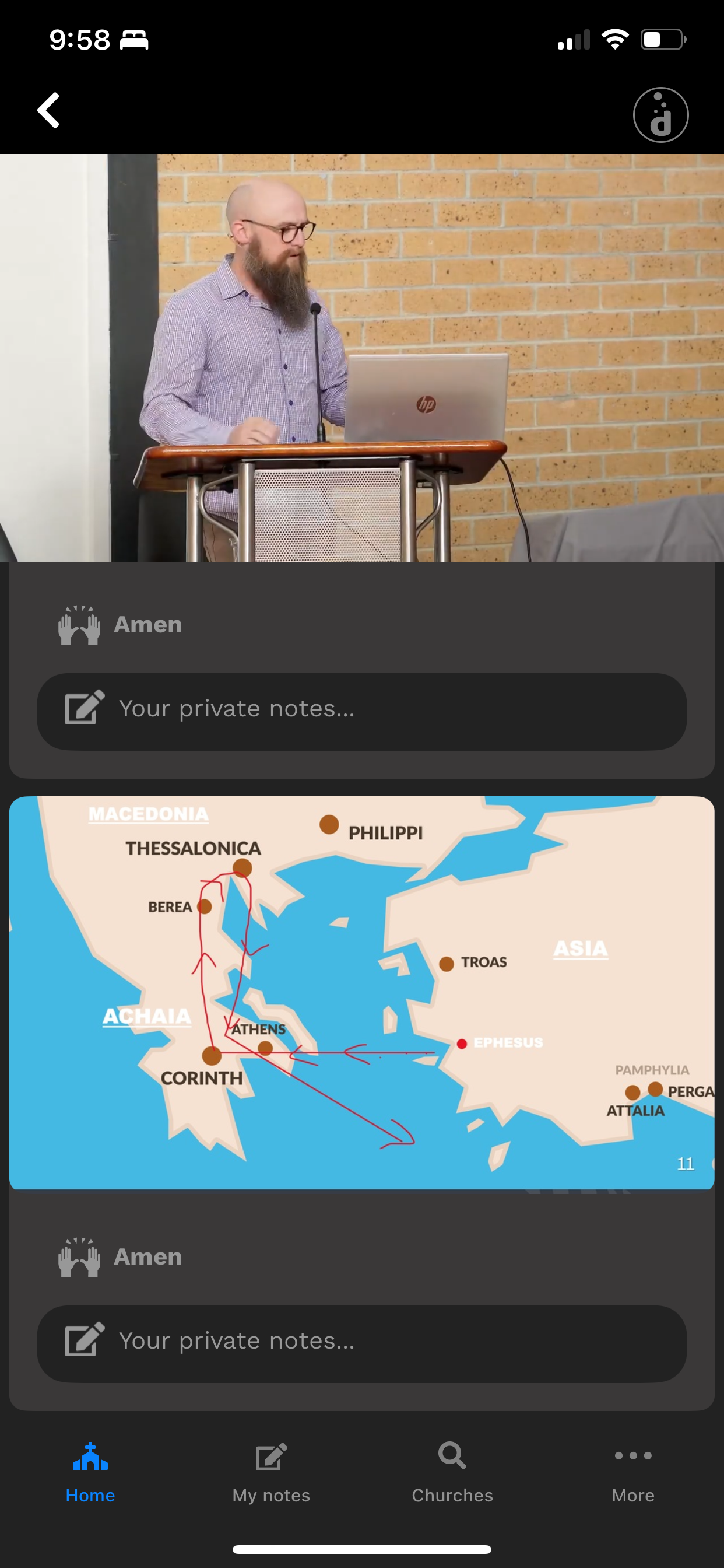
You can zoom in on any slide while following along with a presentation in Deepen App. This is helpful when the presentation includes highly detailed slides that you may have missed when the presenter progresses to other slides.
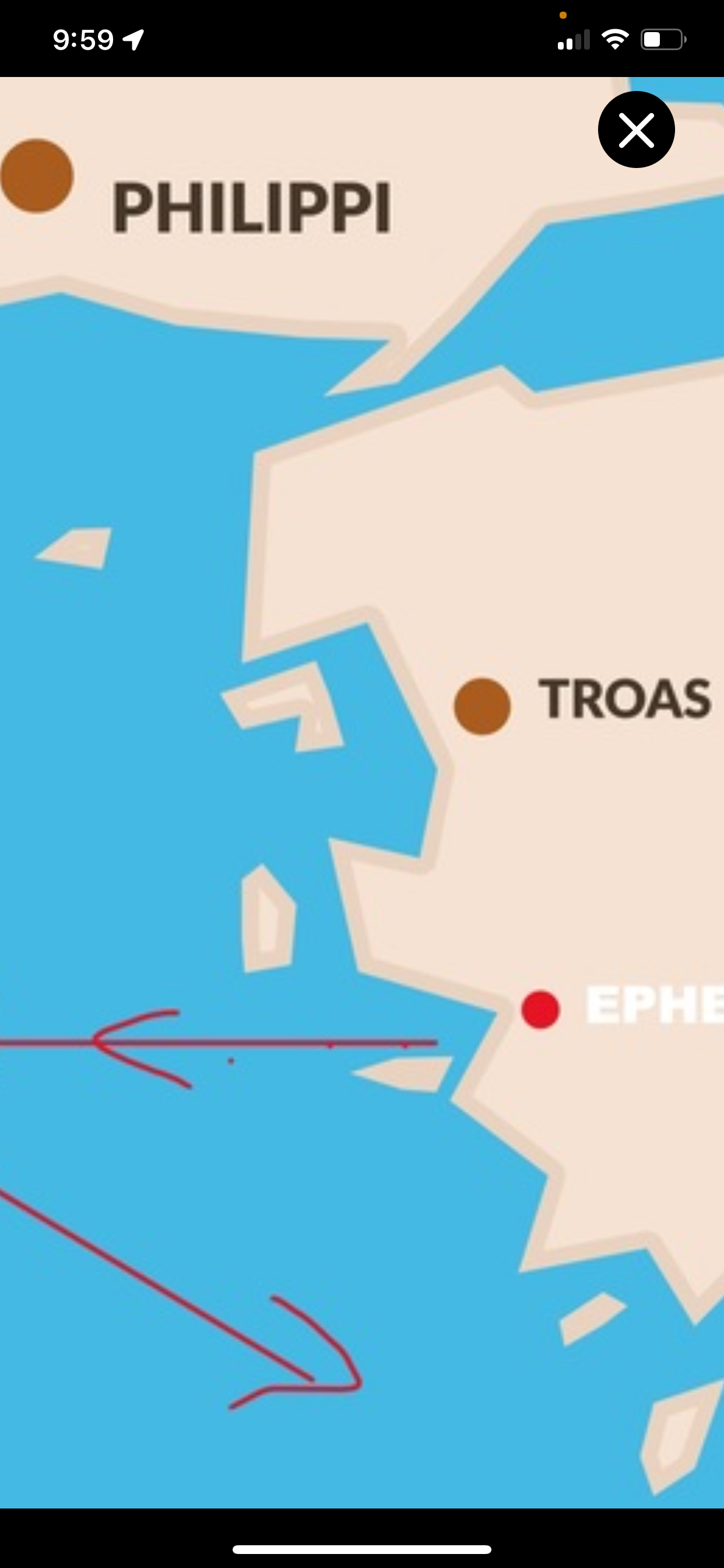
Pinch or double tap on any slide to enter full screen zoom mode.
Pinch further to zoom more.
Drag to navigate around the zoomed slide.
Rotate your phone sideways to view and zoom in landscape mode
Use the "X" icon to close full screen zoom mode and return to the main presentation.